The Complete Ergonomic Home Office Setup Guide (2026)
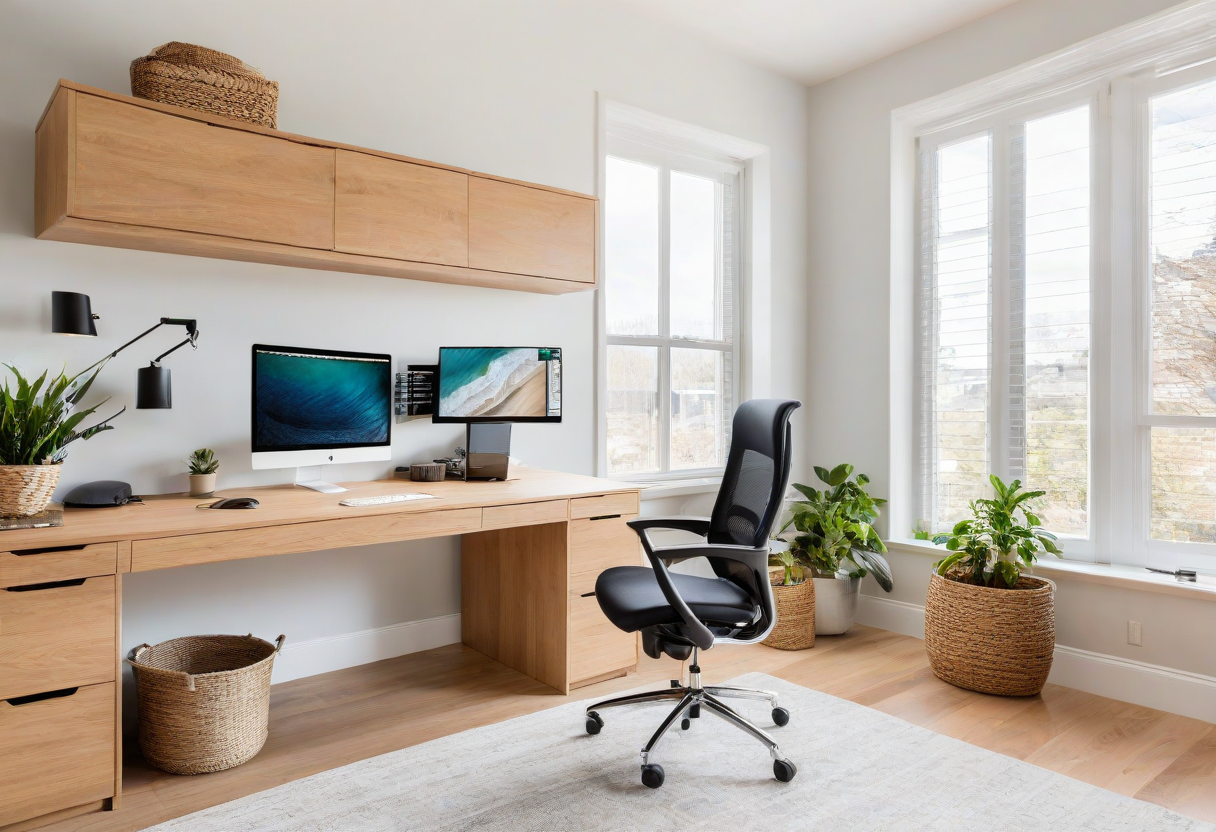
Remote work is here to stay. If you spend 8+ hours at your desk, small misalignments add up to neck pain, back tension, and eye fatigue. This guide covers every element of an ergonomic setup from the ground up.
Start With the Right Chair. A good chair supports your lower back, encourages proper posture, and reduces pressure. Look for adjustable lumbar support, proper seat depth, and height range that puts your feet flat.
Set Your Monitor Height. The top third of your monitor should be at eye level. This keeps your neck neutral. Use a monitor arm or riser. If using a laptop, raise it on a stand with an external keyboard.
Keyboard and Mouse Position. Elbows at 90 degrees, forearms parallel to floor. Keep wrists straight. An ergonomic keyboard or vertical mouse can help with wrist pain.
Standing Desks. Alternate 45 min sitting / 15 min standing. Use an anti-fatigue mat and drafting stool.
Explore more desk setups: Minimalist Designer Desk