Cable Labeling: The Overlooked Desk Organization Step
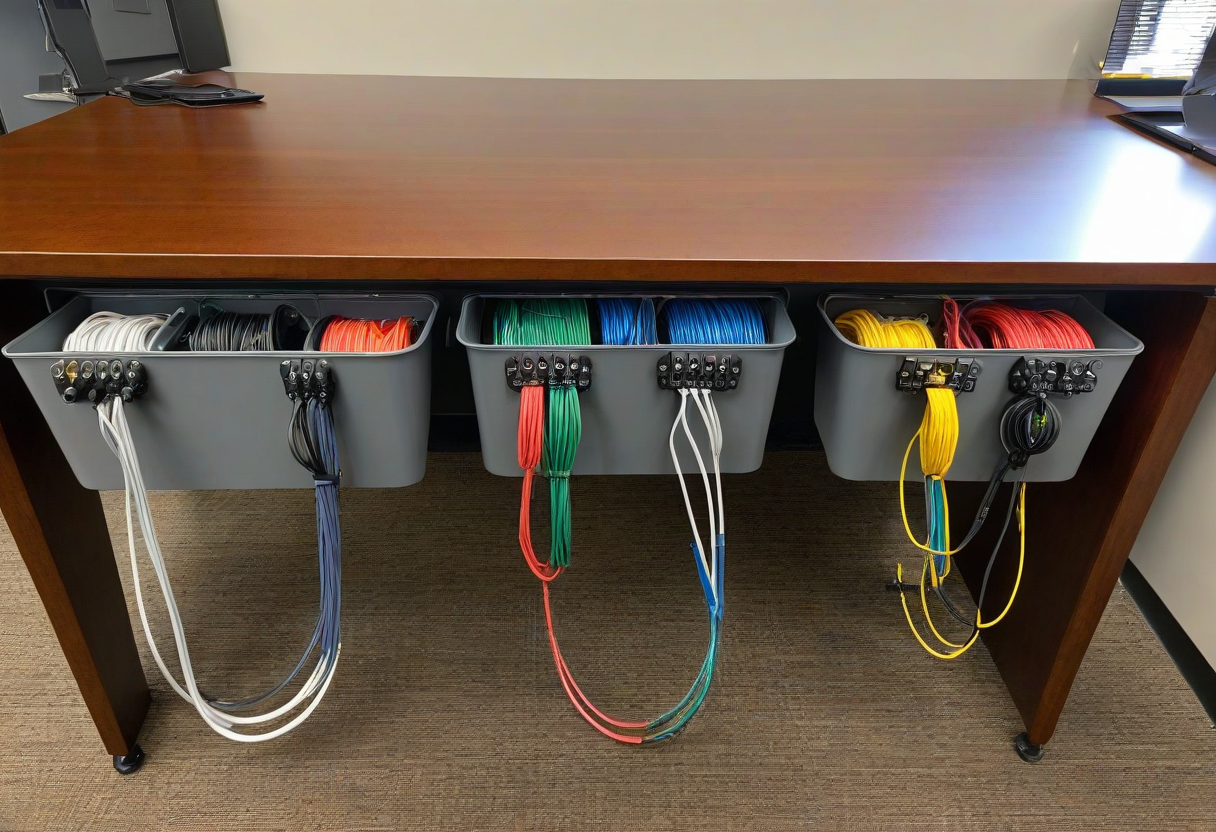
You have organized your cables, bundled them with velcro ties, and routed them through a tray. But six months from now, when you need to unplug a specific cable, you will have no idea which one is which without labels. Cable labeling is the final step of cable management that most people skip.
What to Label. Both ends of every cable: the wall end and the device end. Use a label maker or simple paper tags. Label the device name (Monitor, Laptop Charger, USB Hub) and the port type (HDMI, USB-C, DisplayPort).
Labeling System. Color-coded labels help: blue for display cables, white for power, yellow for USB, green for audio. Use flag labels that wrap around the cable or shrink tube labels for a permanent solution. For most home offices, simple adhesive labels folded over the cable work perfectly.
When to Label. Label cables as you install them during initial cable management. If you already have cables bundled, take a photo of each cable before unplugging, then label both ends when you put them back. This is your chance to identify every cable once and for all.
Explore more desk setups: Wireless Clean Setup