Desk Setup for Programmers: Dual Ultrawide Monitor Guide
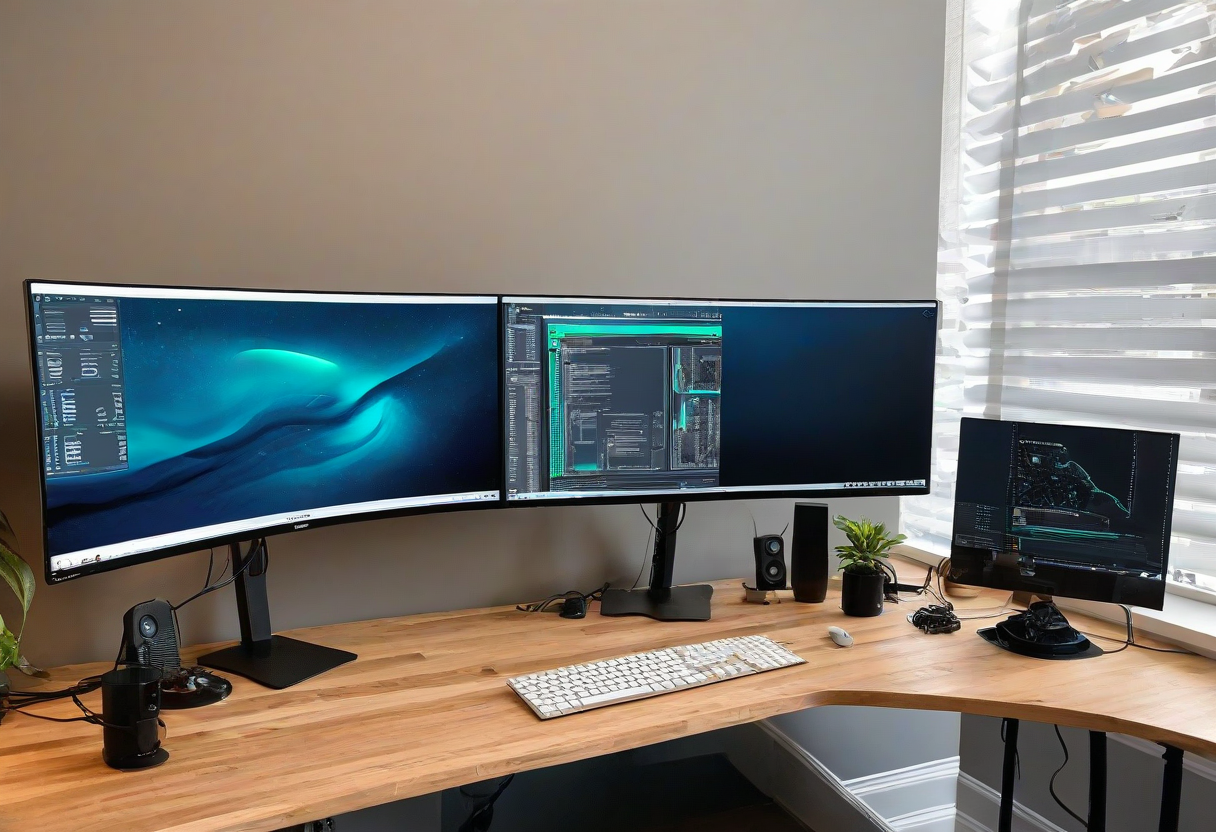
As a programmer, your monitor setup is your most important tool. Dual ultrawide monitors offer the screen real estate for code, documentation, terminals, and communication apps all at once. The key is getting the layout right to minimize neck turning.
Primary Monitor Positioning. Your primary ultrawide goes directly in front of you at arm's length. This is where your code editor lives. The top of the screen should be at or slightly below eye level. A heavy-duty monitor arm rated for ultrawide weight (15+ lbs) is essential.
Secondary Monitor Angle. The secondary ultrawide goes to the side at a 30-45 degree angle. Your neck should twist less than 30 degrees to see it. This screen handles your terminal, documentation, Slack, and email. Rotate it to portrait mode if you read a lot of code or long documents.
Cable Management. Two ultrawides mean more cables. Use a monitor arm with built-in cable channels. Bundle the power and display cables together with velcro ties. A USB-C hub with dual DisplayPort outputs reduces the number of cables going to your laptop.
Desk Size Requirement. Dual ultrawides need a desk that is at least 60 inches wide. If your desk is smaller, consider a single ultrawide with a vertical monitor instead.
Explore more desk setups: Wireless Clean Setup