Desk Setup for Video Editors and Content Creators
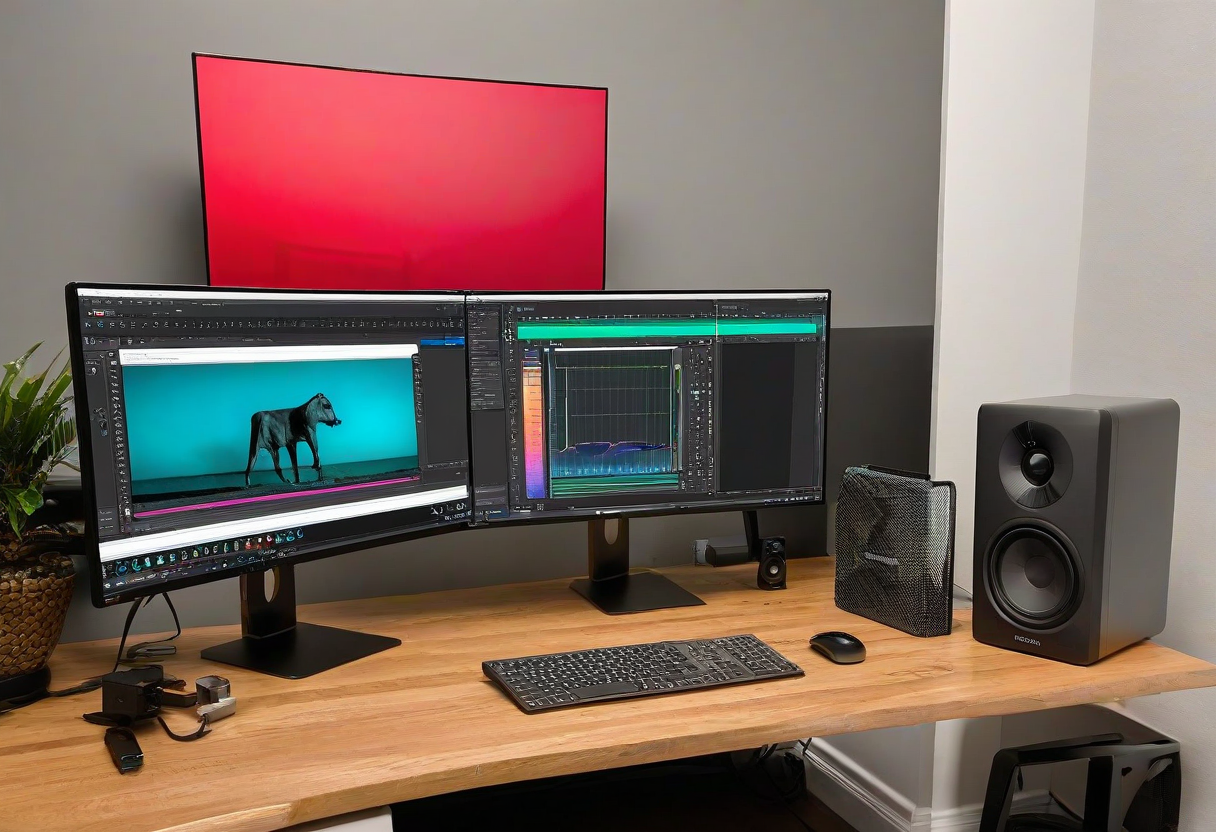
Video editing demands a different desk setup than standard office work. Color accuracy, monitor space, fast storage, and proper audio monitoring are critical. Here is how to optimize your desk for video work.
Monitor. Your primary monitor should have factory-calibrated color accuracy. Look for IPS or OLED panels with 95%+ sRGB or DCI-P3 coverage. A 27-inch 4K monitor is the sweet spot for editing timelines. A secondary monitor for your timeline or reference footage should match the color calibration.
Storage. Video files are large. A fast external SSD (1TB+) connected via Thunderbolt or USB-C 3.2 is essential for active projects. A NAS or larger external drive handles archived projects. Keep your system drive for software only.
Audio Monitoring. Studio monitor speakers or headphones with a flat frequency response let you hear your audio mix accurately. The Audio-Technica ATH-M50x and Sony MDR-7506 are industry standards. An audio interface with XLR inputs is needed for professional microphones.
Input Devices. A precision mouse with high DPI and customizable buttons speeds up timeline editing. A programmable keyboard with macro keys for common editing shortcuts (cut, split, render) saves hours each week.
Explore more desk setups: Wireless Clean Setup