Open Office vs Home Office Desk Setup: Key Differences
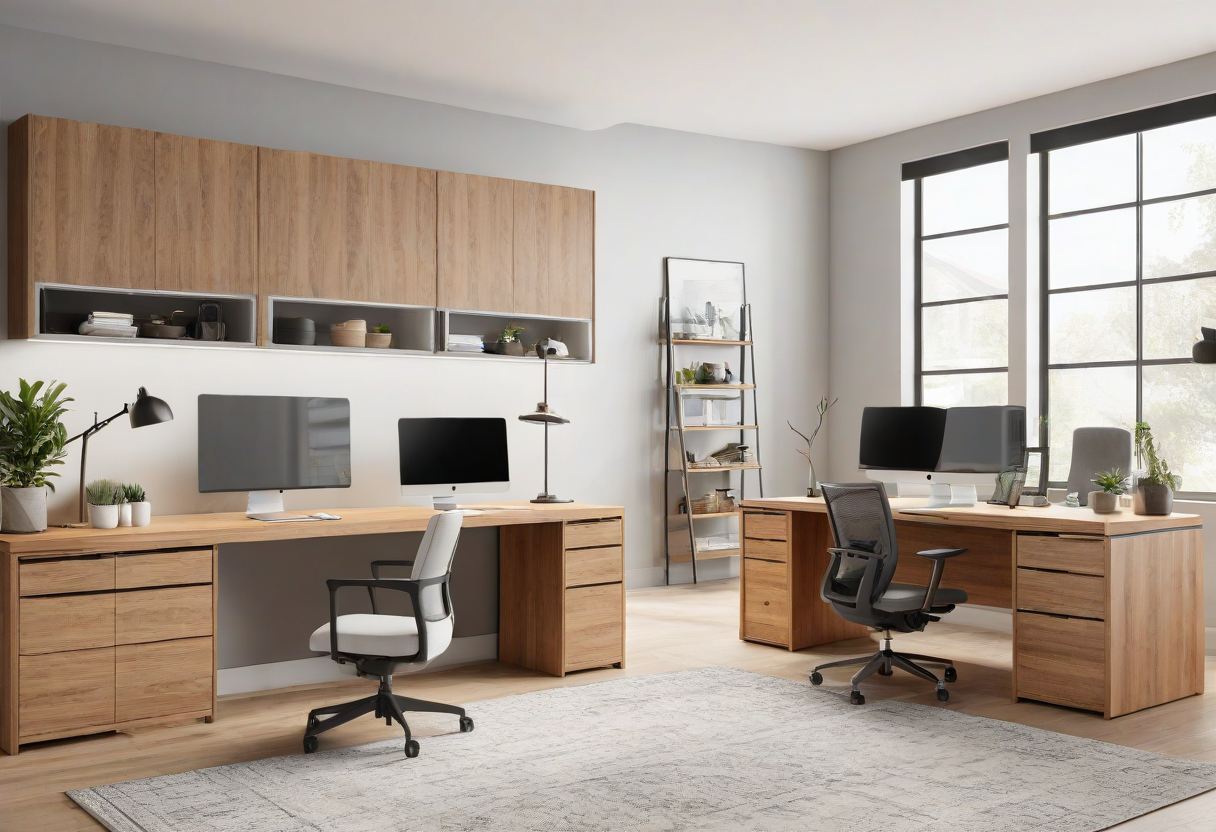
Your desk setup changes depending on whether you work from home, an open office, or a coworking space. Here are the key differences and how to adapt.
Monitor Setup. In an open office, a single monitor is often preferred because dual monitors create a wider visual footprint that takes up more desk space and can be distracting to neighbors. In a home office, dual monitors or an ultrawide are ideal. Consider privacy screens for open office monitors.
Audio Considerations. In an open office, headphones are essential. A wired headset with a mute indicator is more reliable than Bluetooth in office environments. In a home office, speakers or open-back headphones are more comfortable for long sessions because they let you hear your environment.
Desk Accessories. In shared spaces, minimize personal items. A few small items that fit in a drawer are acceptable. In a home office, you can personalize freely with plants, art, and decorative items.
Explore more desk setups: Minimalist Designer Desk