How to Clean and Maintain Your Mechanical Keyboard
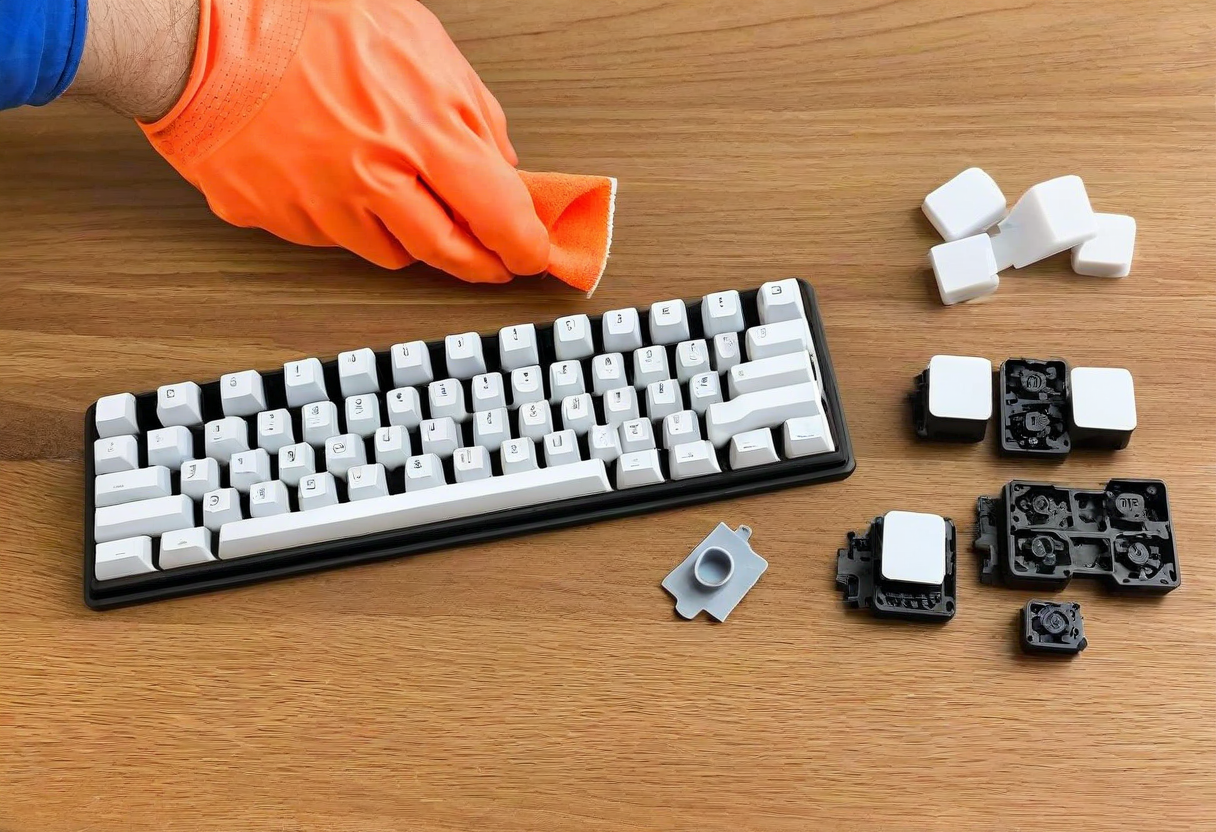
Regular cleaning extends your keyboard's life and keeps it looking new. For quick cleaning: turn keyboard upside down and tap to remove crumbs. Use compressed air between keycaps. Wipe keycaps with a slightly damp microfiber cloth. For deep cleaning: remove all keycaps with a keycap puller. Soak keycaps in warm water with mild dish soap for 30 minutes. Scrub gently with a soft toothbrush. Let dry completely (24 hours) before reattaching. Clean the switch plate with compressed air and a soft brush. Avoid using alcohol on keycaps -- it can damage the lettering. Clean your keyboard monthly for best results.
Explore more desk setups: Budget Desk Upgrade