Monitor Calibration Guide for Accurate Colors
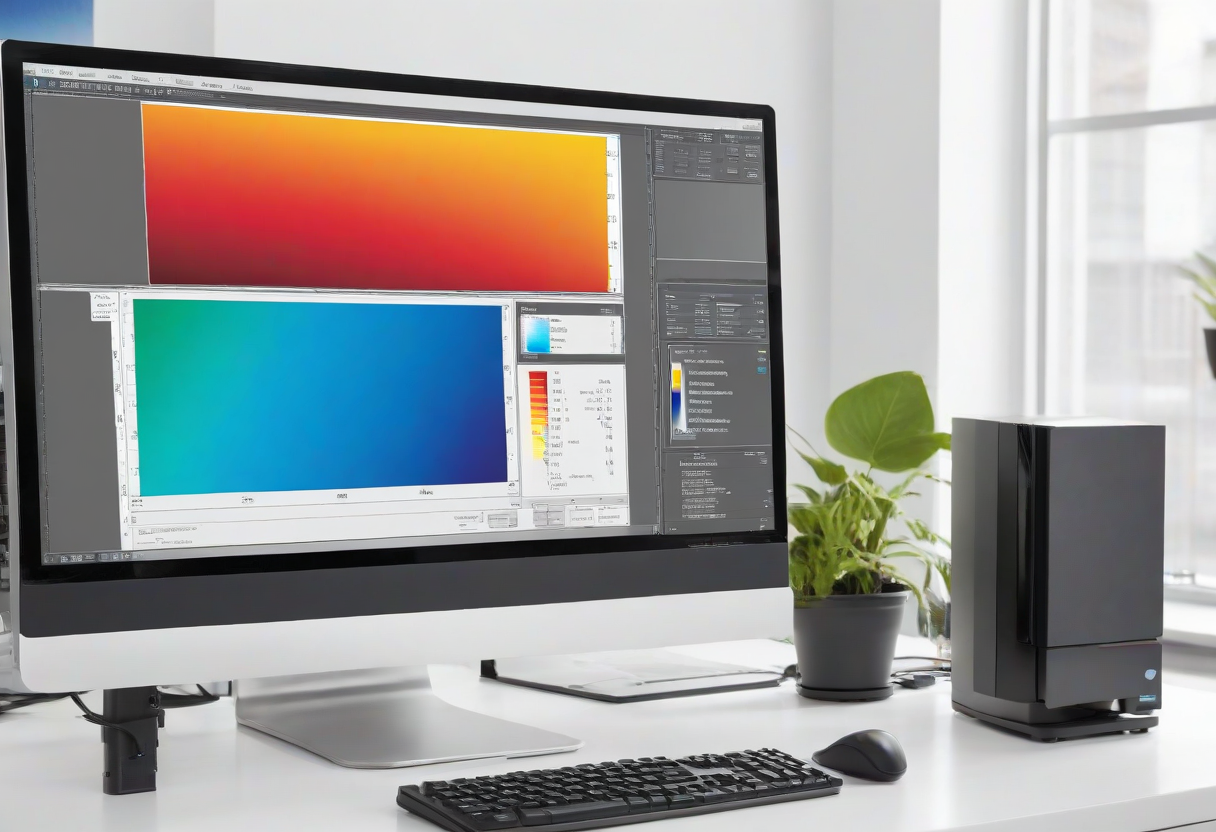
Monitor calibration ensures the colors you see on screen match real-world colors. For basic calibration: use built-in monitor controls to set brightness to 120 cd/m2, contrast to 70%, gamma to 2.2, and color temperature to 6500K. For accurate calibration: use a hardware colorimeter like Datacolor Spyder or X-Rite i1Display. Run the calibration software and follow the prompts. Calibrate every 2-4 weeks for consistent results. Avoid calibrating in direct sunlight or with a bright window behind you. Room lighting should be consistent.
Explore more desk setups: Minimalist Designer Desk