Power Backup Solutions for Home Offices: UPS Guide
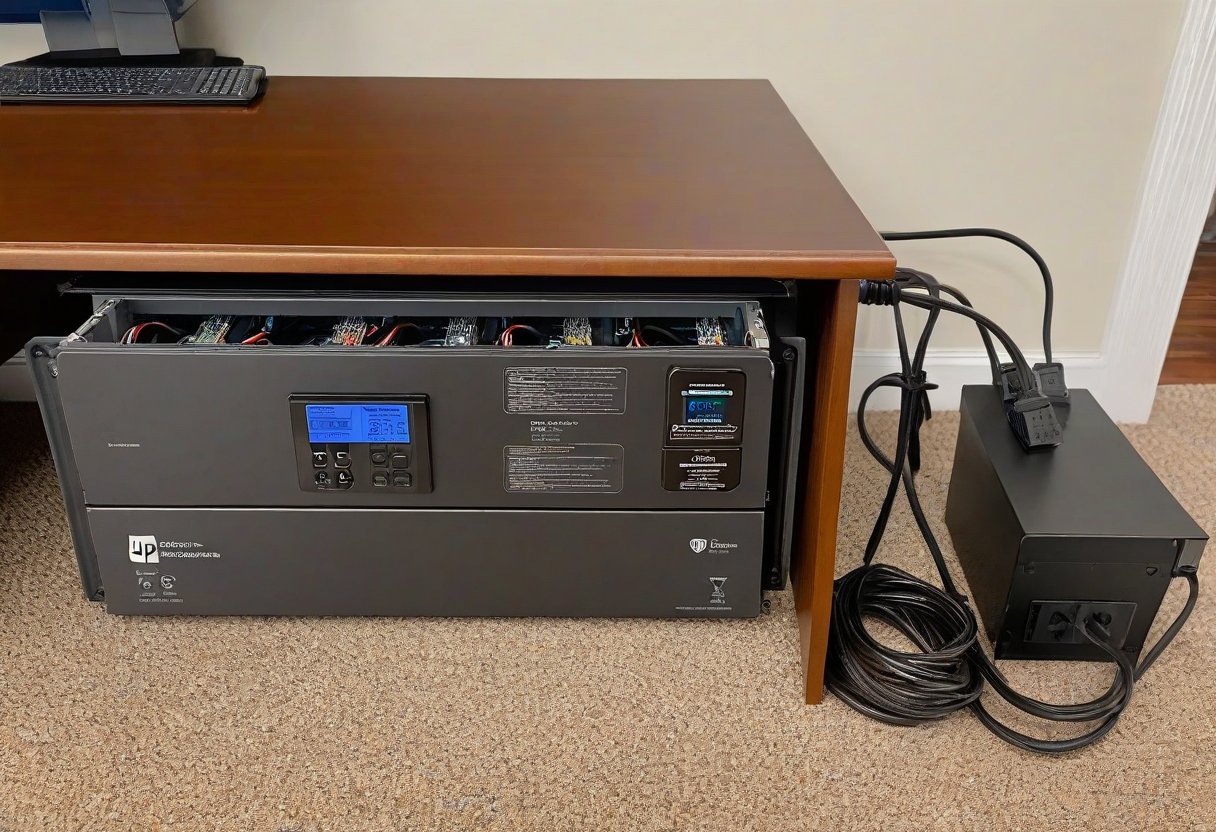
A UPS (uninterruptible power supply) protects your equipment from power outages and surges. But most people either skip a UPS entirely or buy the wrong one. Here is how to choose the right UPS for your desk.
What a UPS Does. A UPS provides battery power for 5-30 minutes after a power outage, giving you time to save your work and shut down properly. It also filters power fluctuations that can damage electronics over time. It is not a generator -- it is a bridge between wall power and shutdown.
Size Guide. For a standard desk setup (monitor, laptop, dock, monitor), a 600-900 VA (volt-amp) UPS is sufficient. For dual monitors, a desktop computer, and peripherals, look for 1000-1500 VA. Check the wattage rating -- multiply by 0.6 for real-world capacity.
Placement. The UPS goes on the floor under your desk or in your cable management tray. Make sure the ventilation holes are not blocked. Do not plug a power strip into a UPS unless the power strip has no surge protection (daisy-chaining surge protectors is dangerous).
Recommended Models. APC Back-UPS BE600M1 for basic setups. CyberPower CP1000AVR for dual monitor workstations. APC Smart-UPS 1500 for desktop computers.
Explore more desk setups: Wireless Clean Setup