5 Ways to Test Your Desk Ergonomics at Home Without Special Tools
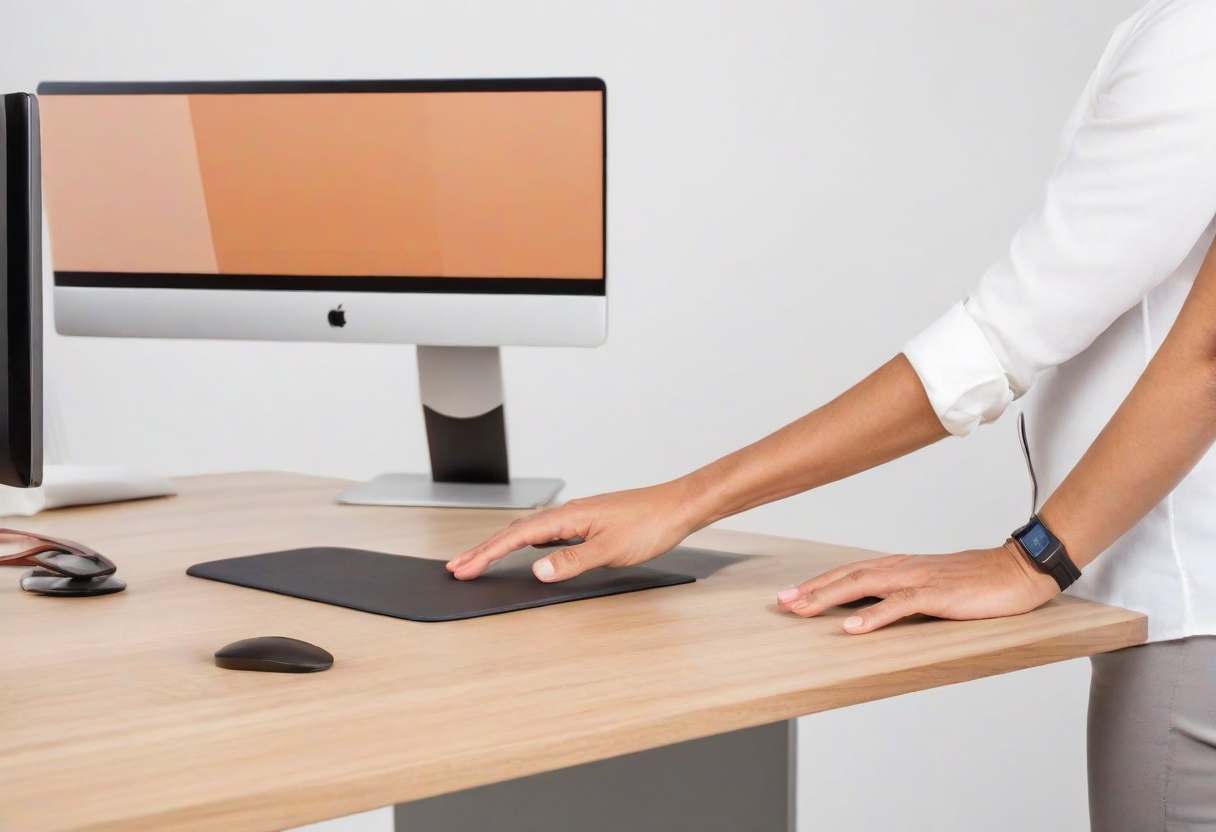
You can assess most ergonomic issues yourself with no special tools. Here are 5 tests that check the most common problem areas.
1. The 90-Degree Test. Sit in your chair with your feet flat on the floor. Your knees should be at roughly 90 degrees, your elbows at 90 degrees when your hands are on the keyboard, and your screen at a 90-degree angle to your line of sight. If any of these angles are significantly off, adjust your chair height, desk height, or screen position.
2. The Wrist Test. Place your hands on your keyboard in typing position. Look down at your wrists. They should be straight -- not bent up, down, or to the side. If they are bent, adjust your keyboard position or consider an ergonomic keyboard.
3. The Neck Test. Close your eyes, relax your head, and open them. Your natural gaze direction should hit the top third of your monitor. If you are looking up or down, adjust your monitor height.
4. The Shoulder Test. Let your shoulders relax completely. If you feel tension or if your shoulders are hunched up, your desk or keyboard is too high. If you are reaching forward, your keyboard is too far away.
5. The Glare Test. Turn on your normal desk lighting and look at your screen from your usual position. Can you see reflections of lights or windows? If yes, reposition your monitor, adjust your lighting, or close blinds.
Explore more desk setups: Scandinavian Study